Curious about how Apple Pay transactions appear on your bank statement? In this comprehensive article, we explore the nuances of how Apple Pay displays in your banking records.
Discover the unique transaction identifiers, security measures, and the convenience of using Apple Pay for seamless and secure digital transactions. We also provide a detailed guide on how to use Apple Pay, and a comparison between Apple Pay and Android Pay, with their respective pros and cons.
Introduction to Apple Pay on Bank Statements
In the era of digital payments, Apple Pay has emerged as a leading player, revolutionizing the way we transact. However, the appearance of Apple Pay transactions on bank statements might raise questions for users. In this article, we aim to demystify how Apple Pay shows up on bank statements, empowering users with a deeper understanding of their financial records.
When you make a purchase using Apple Pay, the details of the transaction are recorded on your bank statement. The representation of Apple Pay transactions may vary slightly depending on your financial institution.
Here are common ways they might be identified:
- Apple Inc. or Apple Pay. On bank statements, Apple Pay transactions are often designated with names like “Apple Inc.” or “Apple Pay.” This straightforward identification helps users recognize transactions completed through this digital payment method;
- Unique Transaction Identifier. In some instances, a unique transaction identifier or reference number accompanies the Apple Pay entry on the bank statement. This alphanumeric code provides an additional layer of tracking information, enabling users to link the transaction back to Apple Pay;
- Merchant Name and Location. For in-store purchases made using Apple Pay, the bank statement might display the merchant’s name and location alongside the transaction. This essential information allows users to verify the purchase and reconcile it with their receipts.
Transaction Details and Security
One of the primary reasons users opt for Apple Pay is its focus on security and privacy during transactions. When you make a payment with Apple Pay, your actual debit or credit card information is neither stored on the device nor shared with the merchant. Instead, Apple Pay employs a unique Device Account Number (DAN) and a transaction-specific security code for each payment.
Device Account Number (DAN)
The Device Account Number is a distinct token assigned to your device, representing your debit or credit card. Encrypted and securely stored in the device’s Secure Element, the DAN facilitates transactions without divulging the actual card details.
Transaction-Specific Security Code
For every Apple Pay transaction, a dynamic security code is generated, enhancing the level of security. This code changes with each transaction, ensuring that your financial information remains protected from potential unauthorized access.
A Comprehensive Guide on How to Use Apple Pay
- Setting Up Apple Pay
To use Apple Pay, ensure that your device is compatible and updated to the latest operating system. Add your debit or credit cards to the Wallet app by manually entering the card details or scanning them using the device’s camera. You may also add cards from your iCloud account, if applicable.
- Making In-Store Purchases
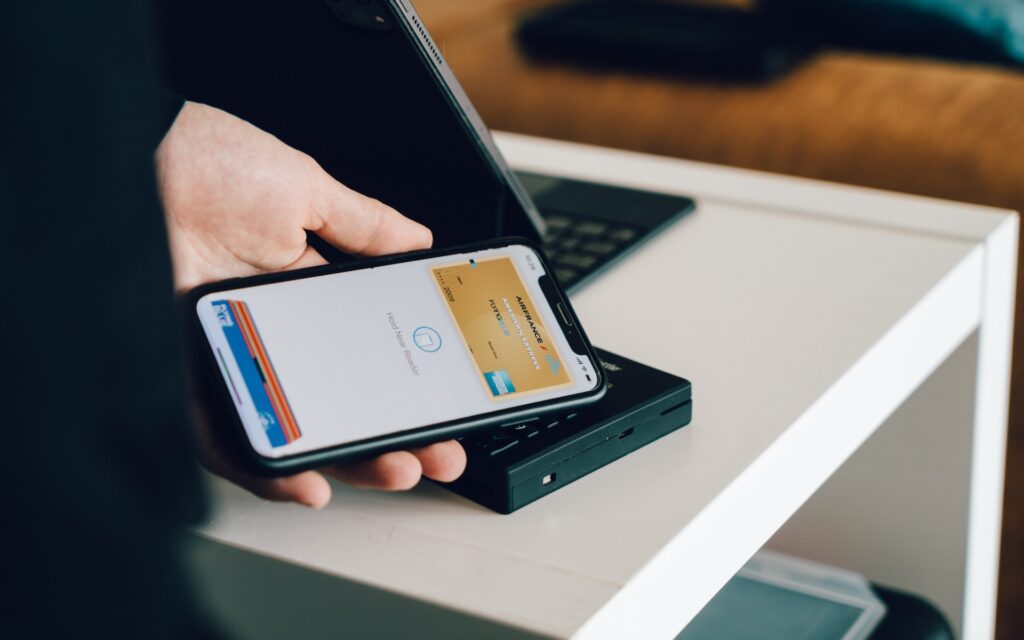
To make in-store purchases, simply hold your device near the contactless payment terminal and authenticate the transaction using Face ID, Touch ID, or your device’s passcode. The Device Account Number ensures that your card details remain secure during the transaction.
- Online and In-App Purchases
For online purchases, select Apple Pay as your payment option during checkout and authenticate the transaction using Face ID, Touch ID, or your device’s passcode. For in-app purchases, simply choose Apple Pay as the payment method within the app.
Sending and Receiving Money with Apple Pay Cash
Apple Pay Cash allows users to send and receive money with friends and family through the Messages app. You can send money from your linked debit or credit cards or use the balance available in your Apple Pay Cash account.
Apple Pay vs. Android Pay: A Comparison
While Apple Pay and Android Pay (now known as Google Pay) offer similar features and functionalities, there are some key differences that users should consider:
Ecosystem Compatibility
Apple Pay is exclusive to Apple devices, including iPhones, iPads, and Apple Watch, while Android Pay is designed for Android devices. Users should choose the platform that aligns with their preferred device ecosystem.
Contactless Payment Methods
Both Apple Pay and Android Pay support contactless payments via Near Field Communication (NFC) technology. However, the availability of NFC-enabled terminals may vary depending on the region and merchants.
Security and Authentication
Apple Pay’s use of Face ID or Touch ID for authentication adds an extra layer of security, making transactions even more seamless. Android Pay relies on fingerprint recognition or PIN for authentication, which may vary across different Android devices.
Pros and Cons of Using Apple Pay
Pros
- Enhanced Security: Apple Pay’s use of unique Device Account Numbers and transaction-specific security codes ensures secure and private transactions;
- Convenience: Apple Pay allows for quick and easy payments without the need to carry physical cards;
- Global Acceptance: Apple Pay is widely accepted at numerous merchants worldwide, making it a versatile payment option;
- Seamless Integration: Apple Pay integrates smoothly with various apps, simplifying in-app purchases.
Cons
- Device Compatibility: Apple Pay is limited to Apple devices, potentially excluding users with non-Apple devices;
- NFC Terminal Availability: While NFC technology is becoming more prevalent, some merchants may not have NFC-enabled terminals;
- Internet Connectivity: For online transactions, Apple Pay requires internet connectivity.
Conclusion
Apple Pay has transformed the way we transact, offering a secure, convenient, and efficient payment method. Understanding how Apple Pay shows up on bank statements empowers users to manage their finances effectively and stay in control of their spending.
With unique transaction identifiers, clear merchant details, and stringent security measures, Apple Pay transactions become easily recognizable on banking records. Embrace the advantages of Apple Pay, including its speed, enhanced security, global acceptance, and seamless app integration, to make your everyday transactions a breeze.
As you continue to use Apple Pay, remember to stay informed about the latest security features and updates. While comparing Apple Pay with Android Pay helps users make informed choices, both platforms offer secure and convenient options for digital payments.
With Apple Pay, the future of digital payments is within reach – a future that prioritizes security, efficiency, and innovation. Embrace the power of Apple Pay to revolutionize your payment experience and take control of your financial transactions with ease. Whether you prefer the convenience of mobile apps or the reliability of text-based banking, Apple Pay stands as a steadfast companion in your financial journey.